

Prepare before you start
Follow the numbered actions in order and compare your screen or recording with each expected result. Menu names can differ between application versions. Arrows show the order of settings and choices, not a claim that every account offers the same controls.
A dictionary without difficult abbreviations
| Name | After this step you will see |
|---|---|
| CTR | 100 clicks ÷ 1000 thumbnail impressions × 100% = 10% |
| Audience retention | 00:00 → 100; 00:30 → 65; 65 ÷ 100 × 100% = 65% |
Step by step · 1–4
- Action
Write down: Promise → 1 × Results.
✓ After this step you will seeAfter this step you will see: Title = Promise.
- Action
Write down: Title → Title → Main subject.
✓ After this step you will seeAfter this step you will see: Readability.
- Action
Select or set: Thumbnail → 16:9 / 1280 × 720.
✓ After this step you will seeAfter this step you will see: Platform → Sources and licenses.
- Action
Select or set: Main subject → 1 × Main subject.
✓ After this step you will seeAfter this step you will see: Readability.
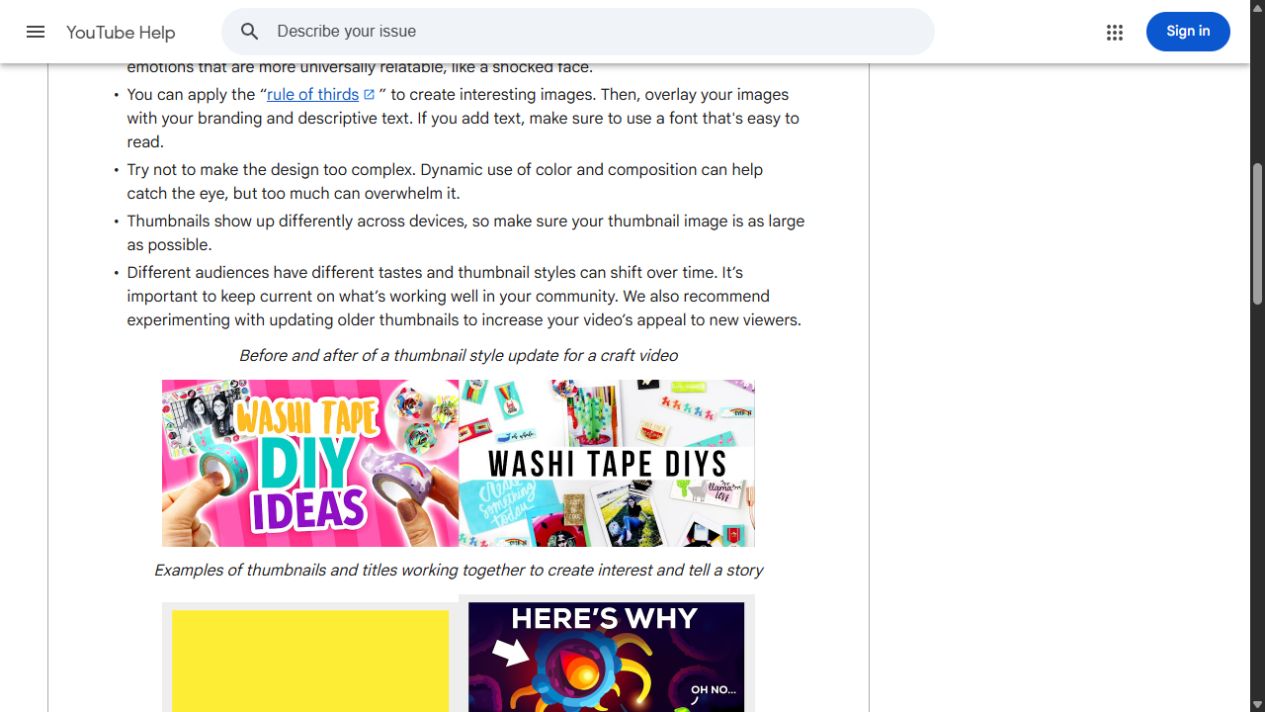 Enlarge the screenshot ↗
Step by step · 5–8
- Action
Select or set: Contrast → Contrast ✓.
✓ After this step you will seeAfter this step you will see: Readability.
- Action
Write down: Thumbnail text → 2–4.
✓ After this step you will seeAfter this step you will see: 2–4 · Thumbnail text.
- Action
Test: Thumbnail → Phone application · 100%.
✓ After this step you will seeAfter this step you will see: Readability.
- Action
Compare: Variants → A / B / C.
✓ After this step you will seeAfter this step you will see: Promise A = B = C.
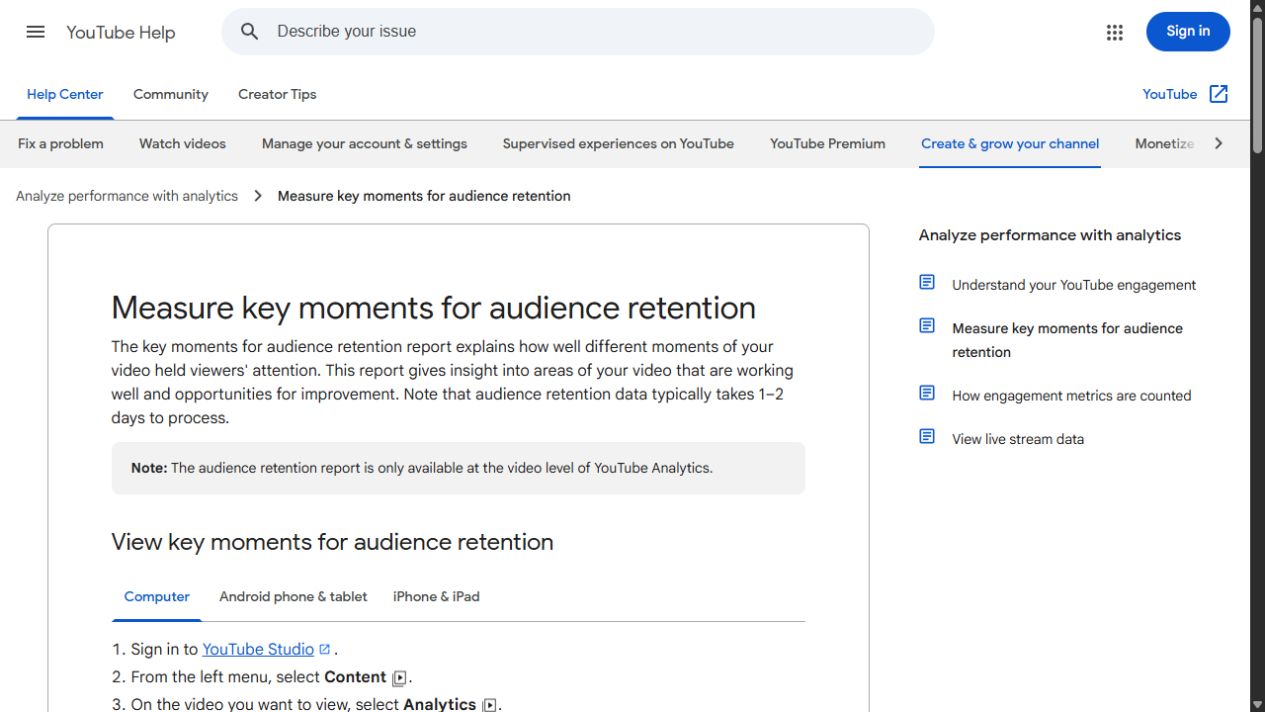 Enlarge the screenshot ↗
Step by step · 9–12
- Action
Select or set: A/B/C → Permissions ✓.
✓ After this step you will seeAfter this step you will see: Context.
- Action
Compare: CTR → Traffic source.
✓ After this step you will seeAfter this step you will see: Context.
- Action
Compare: Audience retention → Audience retention ↓.
✓ After this step you will seeAfter this step you will see: Promise.
- Action
Save: Results → Results → One change at a time.
✓ After this step you will seeAfter this step you will see: One change at a time.
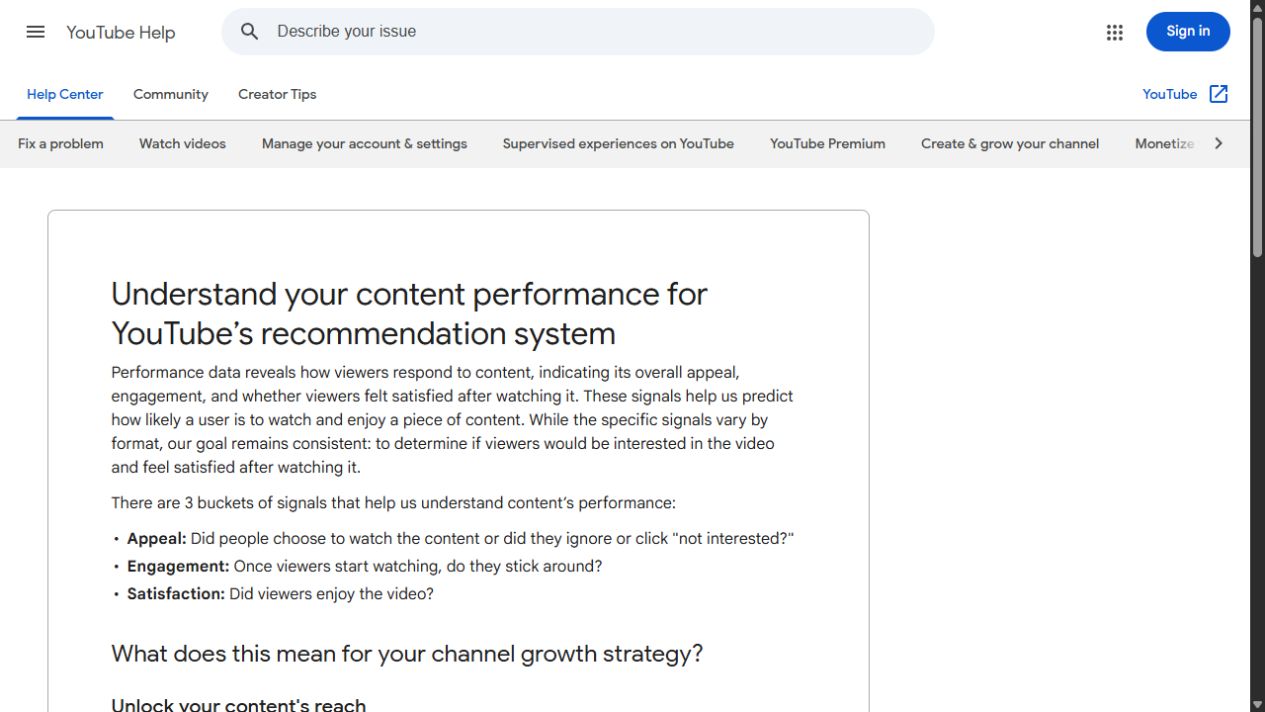 Enlarge the screenshot ↗
Settings · Context
| Action | After this step you will see | Context |
|---|---|---|
| Title | Title → Main subject | Title = Promise |
| Thumbnail | 1 × Main subject | Readability |
| CTR | Traffic source | Context |
| A/B/C | Permissions ✓ | Promise A = B = C |
Quick setup · Short test
Make two thumbnails for the same video: one showing the problem and one showing the outcome. Use a main subject and brief readable text. Review at phone-tile size. If the message disappears, improve contrast and composition. The title should support the image without inventing a promise.
A falling CTR with increasing impressions is not automatically a failure: the audience may have broadened. Separate search, home and subscription traffic. Do not change topic, title and thumbnail together and then attribute every result to one color.
- Select or set: Thumbnail → 16:9 / 1280 × 720.
- Write down: Thumbnail text → 2–4.
- Select or set: A/B/C → Permissions ✓.
- Save: Results → Results → One change at a time.
Before you go live
Keep your existing configuration and original source file first. Change one parameter at a time. Check a short recording or the actual viewer output, rather than relying only on the editor. Restore the recorded baseline if the result gets worse.
- One change at a time → Baseline.
- Viewer output → Short test.
- Results → Backup.
Before you go live
- Baseline ✓
- Usage rights ✓
- Viewer output ✓
- Backup ✓
- One change at a time ✓
Frequently asked questions
Prepare before you start?
Account / Source files. Baseline → Backup. Short test → Viewer output. Write down: Promise → 1 × Results.
Stop and check?
After this step you will see: One change at a time. Keep your existing configuration and original source file first. Change one parameter at a time. Check a short recording or the actual viewer output, rather than relying only on the editor. Restore the recorded baseline if the result gets worse.
Context?
The thumbnail and title must match the actual content. Check readability at phone size. Run A/B tests only when available in Studio; compare CTR with traffic sources, impressions and watch time.